


Summary
CVE-2026-53952 is a critical improper authorization vulnerability in GetSimple CMS and its community fork GetSimpleCMS-CE that allows a completely unauthenticated attacker to create a new administrator account. The flaw resides in the installation setup script, which the application fails to remove after initial setup due to a logic error in its own deletion routine, leaving it reachable and exploitable indefinitely. The issue carries a CVSS v3.1 base score of 9.8 (Critical).
Technical details
- Root cause: after installation, GetSimple CMS is supposed to self-delete
admin/setup.phpas a safeguard. The deletion logic contains a self-exclusion check that skips deletion wheneversetup.phpitself is the script being executed, so the file is never actually removed. setup.phpadditionally performs no authentication or configuration-state check before processing POST requests, so it will still process account-creation submissions after the site has already been set up.- Attack vector: a remote, unauthenticated attacker sends a crafted POST request directly to
/admin/setup.phpon an internet-exposed instance. - Impact: the attacker can create a new administrator account, gaining full administrative access to the CMS. This can lead to complete loss of confidentiality, integrity, and availability of the site, including content tampering, malware/webshell deployment, and full site takeover.
Affected software
- GetSimple CMS: versions 3.4.0a and earlier
- GetSimpleCMS-CE: versions 3.3.22 and earlier
Severity
- CVSS v3.1 Base Score: 9.8 (Critical)
- Vector:
CVSS:3.1/AV:N/AC:L/PR:N/UI:N/S:U/C:H/I:H/A:H
Mitigation and recommended actions
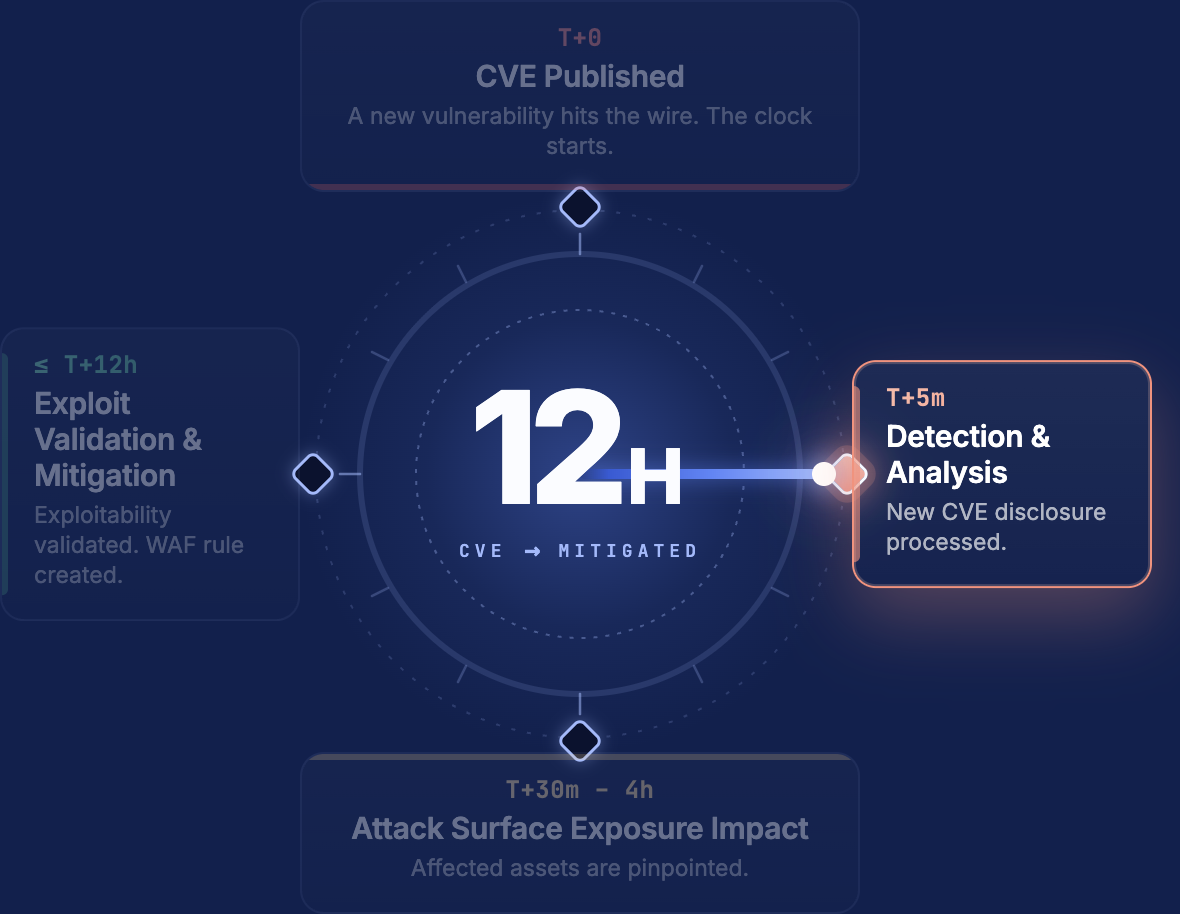
- Immediate: as of publication, no patched version has been released by either the GetSimple CMS or GetSimpleCMS-CE projects. Monitor vendor/project channels for an official fix and apply it as soon as it becomes available.
- If no patch is available:
- Manually delete or rename
admin/setup.php(and any equivalent setup script) from the web root after installation, and verify it is not restored during updates. - Block external access to
/admin/setup.phpat the web server or WAF/reverse proxy layer. - Restrict access to the
/admin/directory to trusted IP ranges or place it behind additional authentication (e.g., HTTP basic auth, VPN). - Audit existing administrator accounts for any unauthorized/unrecognized entries and rotate credentials if compromise is suspected.
- Manually delete or rename